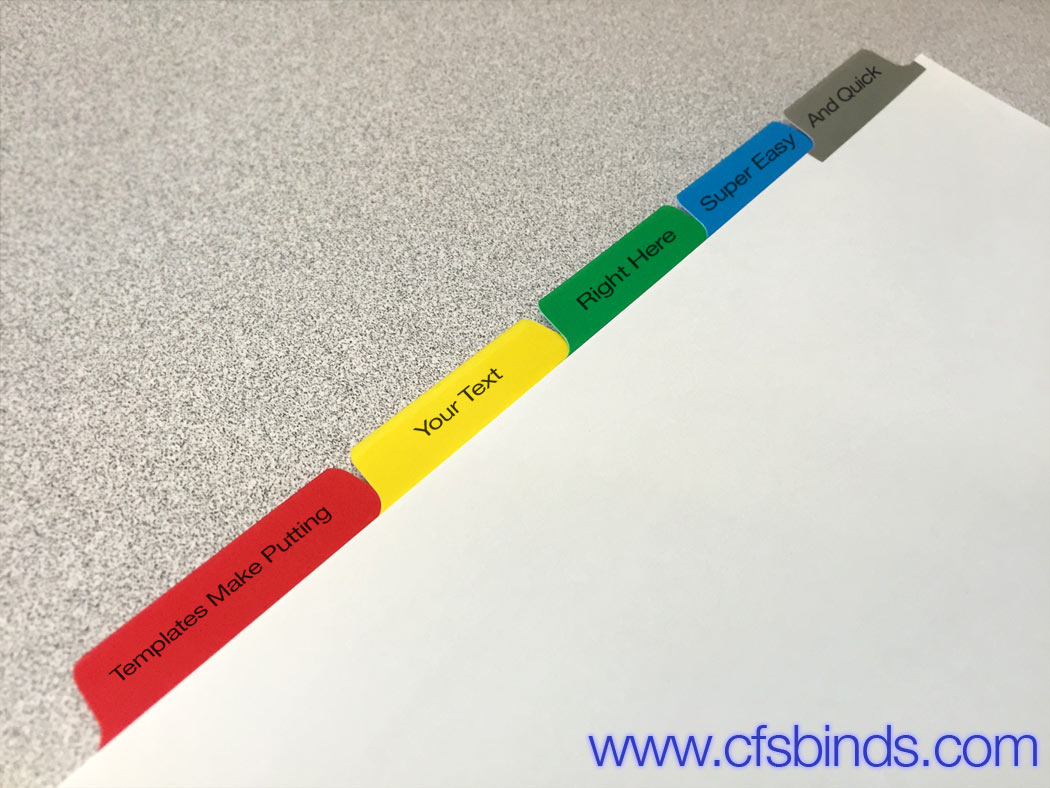
 The process of setting up a file to print on the tab extensions of copier tab dividers can be a very intimidating task for anyone who is not a trained graphic designer. We have been asked many times if there are any templates for imprinting on copier tabs, for some type of file that acts as a guideline for where to place text for prop positioning on your tabs dividers.
We are delighted to announce that we now have templates for copier tabs in all the positions that we offer. Even better than a guide, these templates make it incredibly easy to create text that prints on the tab extension. The templates are Adobe Acrobat PDF files with light blue 'form fields' that you click on and type your copy into. Each tab divider 'position' has its own page and all of the instructions/graphics on the template pages is set to not print - the only thing that prints is what you type into the form fields. There is enough room for 2 lines of copy using the default font: 10 point Helvetica Bold, which you can change by pressing 'CTRL+E' or 'Command+E' on your keyboard. When you are ready to print them, just go to your printer properties and be sure to choose 9x11" as the page size.
These super easy-to-print templates can be found as a link in the CFS Resource Center to the right of all the Copier Tab webpages on CFS Binding Supplies - see the screenshot to the right.
If you find that you need help with the templates or anything related to copier tabs by all means, please contact us - we are always here to help