
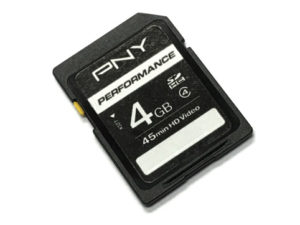
 For this 2nd part in our series dealing with large passport photo volumes, we’re addressing the camera’s memory card in the camera included with the Digital Passport Photo System.
Like the battery charging process from part 1, the CP1200 Digital Passport Photo System requires that the SD memory card be removed from the camera for the duration of the printing process, leaving your camera unable to take any more photos until the card can be reinserted. If you take a large number of passport photos, keeping the camera always ready is crucial. An extra SD memory card is a simple and affordable add-on that helps to keep your busy workflow sustained. This allows you to keep shooting photos while your printer is in use and keeps the pictures coming.
We'll ask again: are there any workarounds you have come up with to make your passport photo service faster or easier? Please share it in the comments below.