
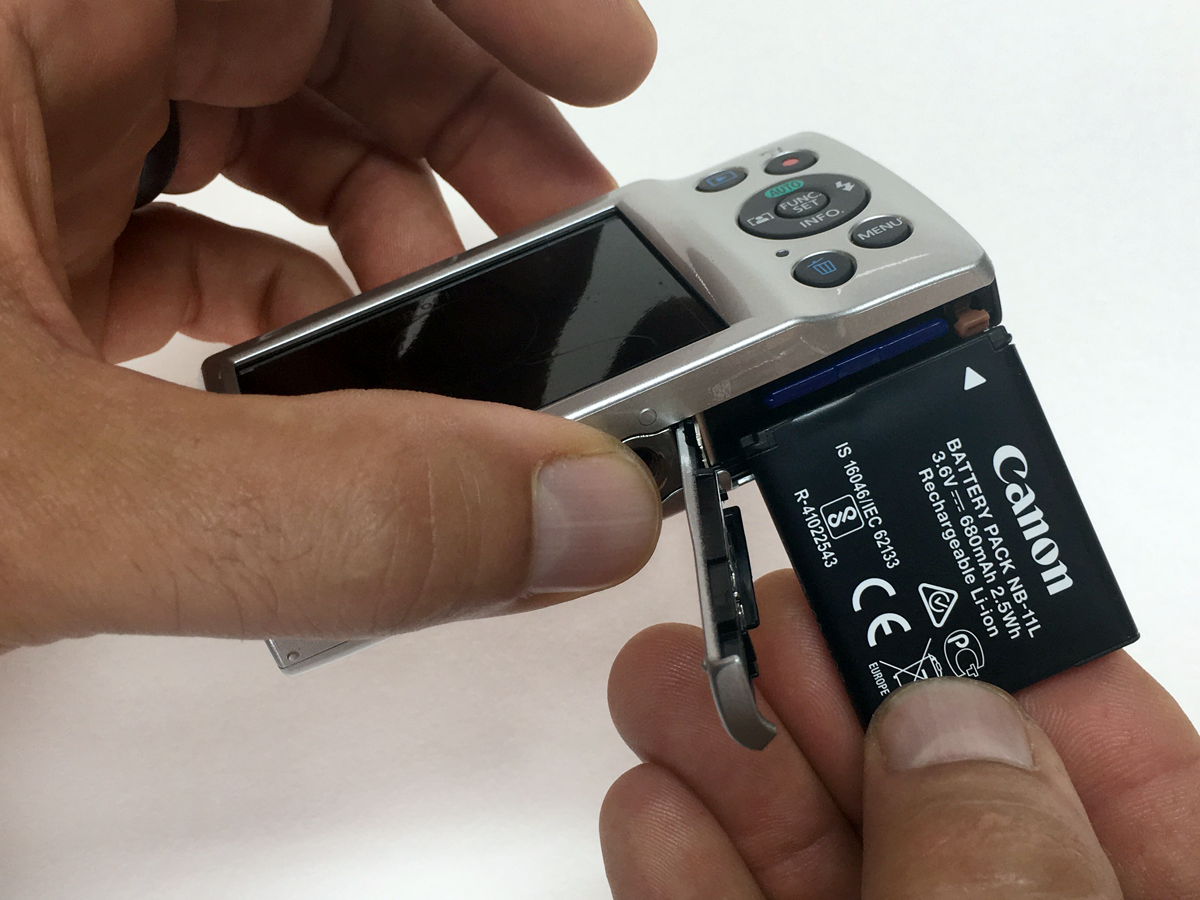
 It's a common problem that we hear about: a customer tells us that they've charged their passport camera battery but it will not turn on after placing it back in the camera. 9 out of 10 times, it is simply the direction that the battery is being inserted in.
The battery used in the Canon Elph 180 camera included in our Digital Passport System has a specific end and direction that must be properly aligned when it is installed. The best way to properly insert the battery is to find the white arrow to the upper left of the Canon logo on the battery. Make sure that the arrow aligns with the orange battery release tab inside the camera's door.
Do you have any questions on taking or printing passport photos? Please let us know in the comments below or feel free to contact us anytime.